
If your garage door remote won’t close the door, work through six checks in order: replace the batteries, test the wall-mounted button to see if the problem is the remote or the opener, check your distance and line of sight, reprogram the remote to the opener, rule out signal interference from nearby devices, and inspect the opener’s antenna. Most remote issues come down to something simple, usually batteries or range, rather than a failing opener. Working through these in order helps you narrow down the cause quickly, without spending money on garage door service repair you may not actually need.
Key Takeaways
- Dead or weak batteries are the single most common reason a remote stops working.
- Testing the wall button first tells you whether the problem is the remote or the opener.
- Range and line of sight matter more than most people expect, especially with metal garage doors.
- Reprogramming the remote takes only a couple of minutes and solves more issues than people assume.
- Other wireless devices can occasionally interfere with a remote’s signal.
- A damaged antenna on the opener itself is a less common but real possibility.
Remote Symptom vs. Likely Fix
What You’re Seeing | Likely Cause | What to Try |
Remote does nothing at all | Dead batteries or lost programming | Replace batteries, then reprogram |
Works close, not from the car | Weak signal or range issue | Move closer, check line of sight |
Wall button works, remote doesn’t | Remote-specific issue | Reprogram or replace the remote |
Neither remote nor button works | Opener or receiver issue | Check power, breaker, and antenna |
1. Check and Replace the Remote’s Batteries
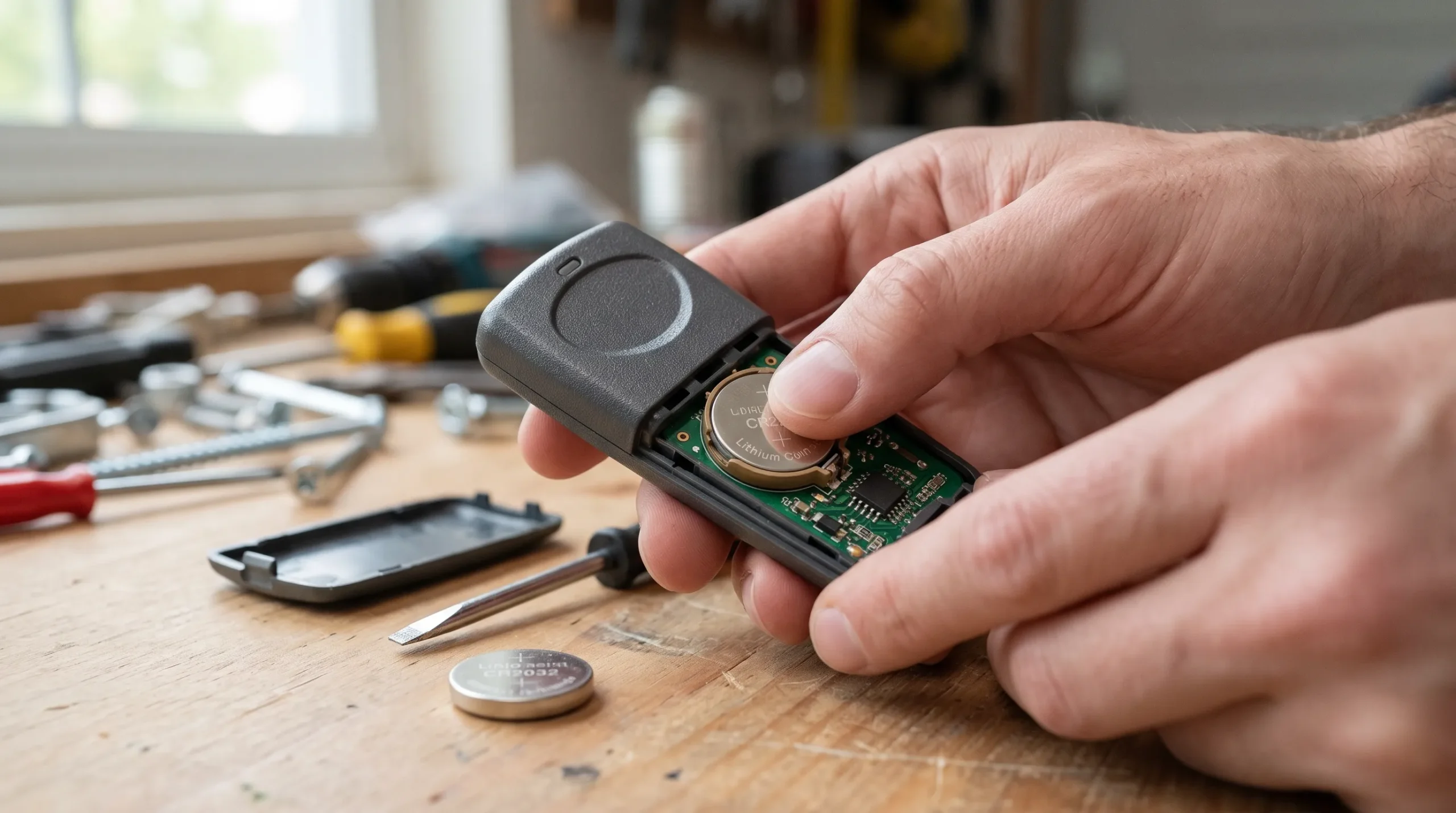
Most remote failures start here, and it’s the fastest thing on this list to rule out.
How to Tell If Your Garage Door Remote Needs New Batteries
Battery replacement is the first thing to check, and it solves the problem more often than people expect. A weakening battery doesn’t always die all at once. Sometimes it just loses range or reliability first, which can make the fault look intermittent rather than a dead battery.
Check:
- Swap in fresh batteries, even if the current ones seem to have some life left.
- Test the remote immediately after replacing the batteries.
- Note whether the range improves noticeably, which confirms the old batteries were the issue.
It’s the cheapest and fastest step on this list, and in our experience it resolves the majority of remote complaints on its own.
Call a pro if new batteries don’t resolve the issue at all.
If the door opens fine but won’t close all the way regardless of the remote, read Why Won’t My Garage Door Close All the Way? 5 Sensor and Alignment Issues to Check instead, since that points to sensors rather than the remote.
2. Test the Wall-Mounted Button
Testing the wall button splits the problem in half, pointing you toward either the remote or the opener before you go any further.
How to Use the Wall Button to Isolate a Remote Problem
The wall button is directly wired to the opener, so it isolates whether the problem is the remote or the opener itself. A single press settles more guesswork than any other diagnostic step on this list.
Check:
- Press the wall button and see if the door closes normally.
- If the wall button works but the remote doesn’t, the issue is specific to the remote.
- If neither works, the problem is likely with the opener, receiver, or power supply.
Knowing which side of that split you’re on tells you where to focus the rest of your troubleshooting, rather than guessing between the remote and the opener.
Call a pro if the wall button also fails to close the door. If that leaves your door stuck open, emergency garage door repair can get it secured quickly.
If you want the broader list of causes behind a garage door that won’t close at all, read Why Is My Garage Door Not Closing? 7 Common Causes and Fixes.
3. Check the Remote’s Range and Line of Sight
A remote that works up close but not from farther away usually points to signal strength rather than a hardware failure.
How Distance and Obstructions Affect Garage Door Remote Range
Remotes have a limited range, and that range shrinks with weak batteries, distance, or anything obstructing the signal, like a large vehicle or a metal shelving unit near the door.
Check:
- Test the remote from progressively closer distances to see if range is the issue.
- Remove any large metal objects between you and the garage door opener.
- Confirm you’re within the manufacturer’s stated range for your specific model.
To see how different opener types and their remotes actually work, Angi’s guide to garage door opener styles breaks down what each type offers, including how sensor and signal reliability can vary between standard and smart models. An older opener paired with a newer remote can sometimes struggle with range in ways that aren’t obvious until you compare the two.
Call a pro if the remote still fails at a normal, close-range distance with a clear line of sight.
4. Reprogram the Remote to the Opener
Lost programming is a surprisingly common cause that has nothing to do with the remote actually being broken.
How to Reprogram a Garage Door Remote
Remotes can lose their programming over time, especially after a power outage or a battery change. Reprogramming takes only a couple of minutes and rules out a surprisingly common cause.
Check:
- Locate the “learn” button on the opener unit, usually near the antenna.
- Follow the manufacturer’s programming sequence, which is typically in the owner’s manual or printed on the unit.
- Test the remote immediately after reprogramming to confirm it worked.
Losing programming isn’t a sign anything is broken. It’s simply a memory reset that happens more often than most homeowners realize, and most openers store only a handful of remote codes, so a recent addition or removal of another remote can sometimes bump an older one off the list.
Call a pro if you can’t locate the learn button or the manual, or if reprogramming doesn’t resolve the issue.
If the door is actually starting to close and then reversing, rather than simply not responding to the remote, read Why Does My Garage Door Start to Close Then Reverse? 4 Reasons and Fixes.
5. Check for Signal Interference
Less common than the first few causes on this list, but worth ruling out once the simpler fixes haven’t solved it.
How Nearby Devices Can Interfere With a Garage Door Remote
Other wireless devices, particularly ones on similar frequencies, can occasionally interfere with a garage door remote’s signal. Baby monitors, security cameras, and some smart-home hubs share overlapping frequency bands with older remotes, though this cause shows up far less often than weak batteries or range.
Check:
- Note whether the issue started after adding a new wireless device nearby, like a baby monitor or security camera.
- Try the remote from a different spot in case the interference is localized.
- Test again after temporarily turning off any newly added wireless devices.
For homeowners weighing whether a full opener upgrade might solve recurring remote issues, Family Handyman’s breakdown of garage door opener types explains how newer opener models handle wireless connections and signal reliability differently than older chain and belt-drive units. Knowing that difference is worth having before assuming interference alone is the culprit.
Call a pro if interference seems likely, but you can’t identify or resolve the source.
6. Inspect the Opener’s Antenna and Receiver
If nothing else has worked, the opener’s own hardware becomes the most likely remaining explanation.
How to Check a Garage Door Opener’s Antenna and Receiver
If nothing else has worked, the opener’s antenna or receiver itself may be damaged. It’s a less common cause overall, but it’s the last thing to rule out before assuming a bigger repair is needed.
Check:
- Look at the antenna hanging from the opener unit for visible damage or disconnection.
- Confirm the opener has power and hasn’t tripped a breaker.
- Note whether the opener responds to the wall button at all, which helps confirm whether the receiver itself is the issue.
By this point, you’ve already ruled out the more common causes, so an antenna or receiver problem is a reasonable next conclusion rather than a first guess. Checking the antenna is also a routine part of most garage door maintenance visits, so it’s worth mentioning if you have one scheduled.
Call a pro if the antenna appears damaged, or if the opener doesn’t respond to either the remote or the wall button.
Before You Assume the Worst, Check the Basics
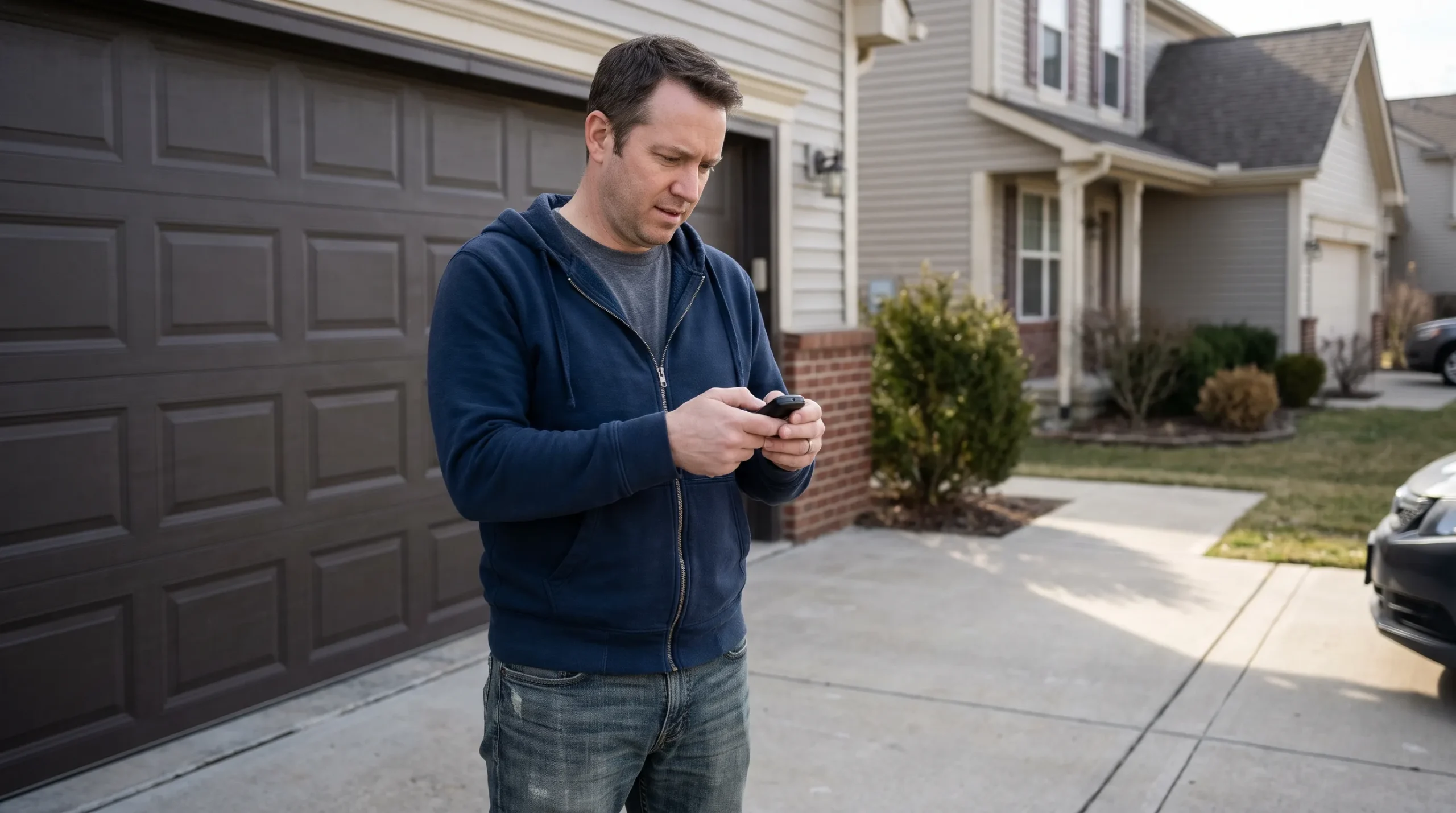
A remote that won’t close the door feels like a bigger problem than it usually is. Most of the time, it’s something small: a battery, a range issue, or programming that needs to be reset.
Cleveland County Garage Doors handles remote and opener troubleshooting for homeowners across Cleveland County, including Shelby and Kings Mountain, and we can usually get to the bottom of it quickly and without unnecessary part replacements. Contact us or give us a call if you’ve worked through these steps and the remote still won’t close your door.